How to Create a Detailed Product Launch Timeline
28 March 2026
Alright, let’s face it — launching a product feels a bit like preparing for liftoff. There’s excitement, nerves, a long checklist, and maybe even a few sleepless nights. But here's the kicker: without a rock-solid product launch timeline, you're basically building a rocket without a launchpad. 🚀
So, how do you create a detailed product launch timeline that doesn’t just slap some dates on a calendar but actually guides your product to a successful debut? Grab your coffee (or matcha, we don’t judge), because we’re about to break it down step by step — no fluff, no jargon, just real talk.
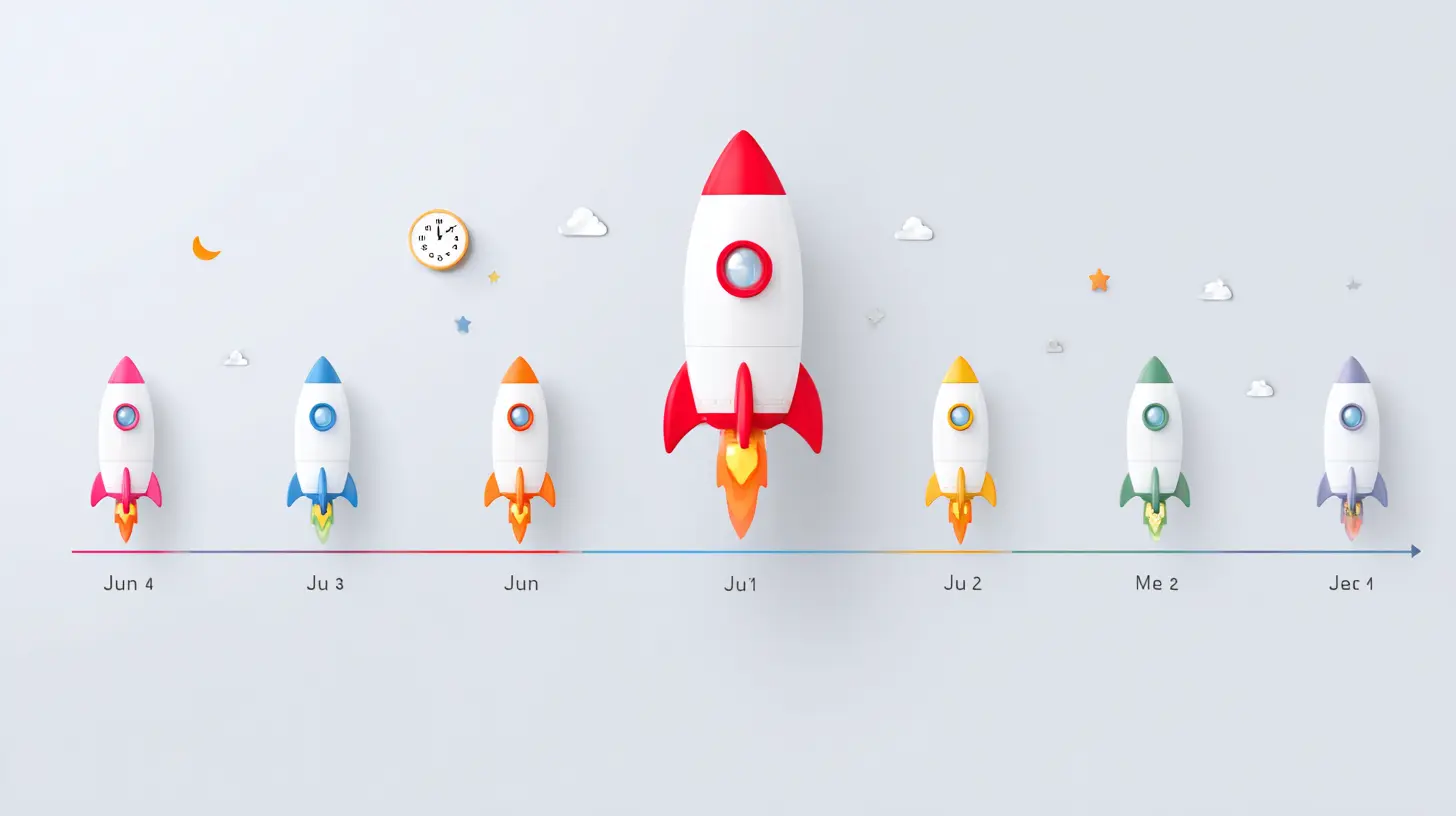
Why a Product Launch Timeline Matters More Than You Think
Imagine trying to host a wedding with no timeline. The band doesn’t know when to show up, the cake is late, and someone forgot to invite Grandma.Launching a product without a timeline? Same chaos. You've got devs coding until 2 AM, the marketing team throwing hashtags into the void, and sales reps wondering when the product's even going live.
A solid product launch timeline:
- Aligns your team
- Sets clear expectations
- Helps you navigate issues before they explode
- Keeps you on track (and sane)
Now, let’s build one.
Step 1: Start From the End — The Launch Date
Weird, right? Starting from the end? But stick with me.Pick your ideal launch date first. That’s your North Star. Everything else revolves around that point in time.
Ask yourself:
- Is this time of year strategic for our product?
- Do we need to align with other business events or industry trends?
- Do we have enough time to get everything done before then?
Once you know your deadline, you can start working backwards to outline every stage of the process.
⏳ Tip: Give yourself a buffer. Things will go wrong — it's not pessimism, it's just life.
Step 2: Break It Down Into Phases (This Is Where The Magic Happens)
Your product launch journey isn’t a single event — it’s a series of coordinated phases. Let’s break these down.Phase 1: Research & Planning (8–10 weeks before launch)
This is your groundwork. Think of it as drawing the blueprint before building the house.Tasks to include:
- Market research
- Competitor analysis
- Customer personas
- Goal setting (KPIs, OKRs — whatever acronyms float your boat)
- Internal team alignment meetings
🎯 Pro Tip: Include all stakeholders in planning — marketing, product, sales, customer support. You’ll avoid nasty surprises later.
Phase 2: Product Development Finalization (6–8 weeks before)
Your product should mostly be done by now. If it’s not, we might have a problem.Focus on:
- Quality assurance testing
- Feature lock-down
- Final bug squashing
- Beta testing (if applicable)
- Feedback loops from testers
Remember, users won’t care about your intentions — they’ll only care about what works and what doesn’t. Be brutally honest with what needs fixing.
Phase 3: Pre-launch Marketing Prep (5–6 weeks before)
Time to polish your message and get your audience hyped.Tasks here include:
- Defining your value proposition
- Creating messaging for different customer segments
- Building or updating your landing page
- SEO optimization (target those keywords!)
- Creating content (blogs, videos, infographics)
- Planning social media campaigns
- Lining up press & influencers
🎥 Side note: A teaser video can go a long way — just a sprinkle of mystery and a dash of charm.
Step 3: Set Your Communication Plan (Internally And Externally)
Ever played the telephone game as a kid? Yeah, that’s exactly what happens when teams aren’t on the same page during a launch.Internally:
- Weekly (or daily!) syncs
- Clear roles & responsibilities
- Risk management strategy
Externally:
- Launch emails
- Press release schedule
- Social media calendar
- Influencer outreach timeline
📢 Trick: Keep a “single source of truth” document that anyone on your team can access. No more “Where’s that file again?” chaos.
Step 4: Build Your Launch War Room (The Brain Behind the Operation)
Think of your “war room” as mission control.This can be a physical room or a digital one (Slack, Notion, Asana — pick your poison).
It should include:
- Timeline breakdown
- Communication channels
- Asset library (logos, graphics, copy)
- Real-time updates
- Emergency protocols (cause stuff will go sideways — sorry)
🚨 Bonus Tip: Assign someone as the “launch captain.” They're the go-to person for updates, issues, and decisions.
Step 5: Launch Week Breakdown (The Final Countdown)
Here’s where things get really granular. Launch week isn’t just one day — it’s a series of mini-events. You want to orchestrate this like a concert, not a talent show.7 Days Before:
- Final checks
- Internal dry run
- Calendar invites to stakeholders
- Confirm availability of all team members
3 Days Before:
- Schedule emails and social media posts
- Load up ad campaigns
- Reach out to press with embargoed info if needed
1 Day Before:
- Breathe (seriously, don’t forget)
- Last-minute QA
- Make sure your customer support team is prepped
Launch Day:
- Publish everything
- Monitor metrics like a hawk 🦅
- Be ready for bugs or traffic spikes
- Celebrate with the team (champagne optional, but encouraged)
1 Day After:
- Debrief
- Review feedback
- Send thank-you emails to stakeholders and early adopters
Step 6: Post-Launch Magic (This Is Where Winners Keep Winning)
Most folks think the launch is the end. Nope. It’s just the beginning.Tasks post-launch:
- Monitor performance metrics (conversion rates, signups, CTRs)
- Gather user feedback
- Fix any bugs or issues
- Roll out future updates based on data
- Continue the marketing momentum — blogs, social proof, case studies
📊 Fun fact: Your initial users will give you the most brutally honest feedback you’ll ever hear. Use it to upgrade, tweak, evolve.
Timeline Tools You’ll Want In Your Arsenal
You can try plotting everything on a napkin but — maybe don’t.Use tools that keep your timeline clean and collaborative:
- Trello or Asana – for task management
- Notion – for an all-in-one dashboard
- Google Sheets – for shared master timelines
- Slack – for real-time communication
- Figma – for design coordination
- Calendly – for booking important launch meetings
Pick what works for your crew. Just make sure everyone’s actually using it.
Common Pitfalls (And How to Avoid Them Like a Ninja)
Let’s bulletproof your timeline against classic mistakes.🛑 Pitfall #1: Not Enough Time for Testing
Solution? Bake in extra time for multiple testing rounds. Don't rely on "we'll fix it later." Later might be too late.
🛑 Pitfall #2: Launching Without Marketing Prepared
Solution? Involve marketing early. Like, day-one early.
🛑 Pitfall #3: Not Defining Success
Solution? Set clear KPIs and success metrics. If you don’t know what winning looks like, how will you know when you’ve won?
🛑 Pitfall #4: Skipping Internal Alignment
Solution? Weekly syncs. Create a shared doc. Clear roles. No excuses.
The Final Word: You Got This
Creating a detailed product launch timeline isn’t just some corporate checklist. It’s your roadmap, your safety net, your guiding light.It’s what separates the chaotic, “uh-oh” launches from the smooth, champagne-worthy ones.
So take the time. Map it all out. Bring your team together. And when the launch day hits? You’ll be calm, cool, and in control.
Because you didn’t just launch a product… you launched it like a pro.
all images in this post were generated using AI tools
Category:
Product LaunchAuthor:

Miley Velez
Discussion
rate this article
2 comments
Zayden Luna
Great tips for smooth launches!
May 20, 2026 at 12:27 PM
Miley Velez
Thanks! I'm glad you found them helpful. Happy launching!
Elowyn Bass
Great insights on crafting a product launch timeline! It's essential for keeping teams aligned and ensuring a successful launch. Thanks for sharing!
March 30, 2026 at 4:05 AM
Miley Velez
Thanks for the feedback! I'm glad you found the insights helpful. Keeping teams aligned is key to a successful launch.